Plan future kits.
Add kits you want, assign priorities, record desired prices and stores, arrange them manually, and move a purchased kit directly into your Collection.
SPRUEVAULT SUPPORT
Questions, feedback, or something not working as expected? Find help below or contact SprueVault support directly.
CONTACT SUPPORT
For help with SprueVault, email:
collins.minyangadou@outlook.comWhen reporting an issue, please include:
SprueVault does not require registration or a login. Your collection, builds, photos, wishlist, paints, sessions, and preferences are stored locally on your device.
If you are contacting support, never send passwords, Apple ID credentials, payment information, or other sensitive account information.
SUPPORT TOPICS
Jump directly to a feature below for common usage tips and troubleshooting information.
01 / COLLECTION
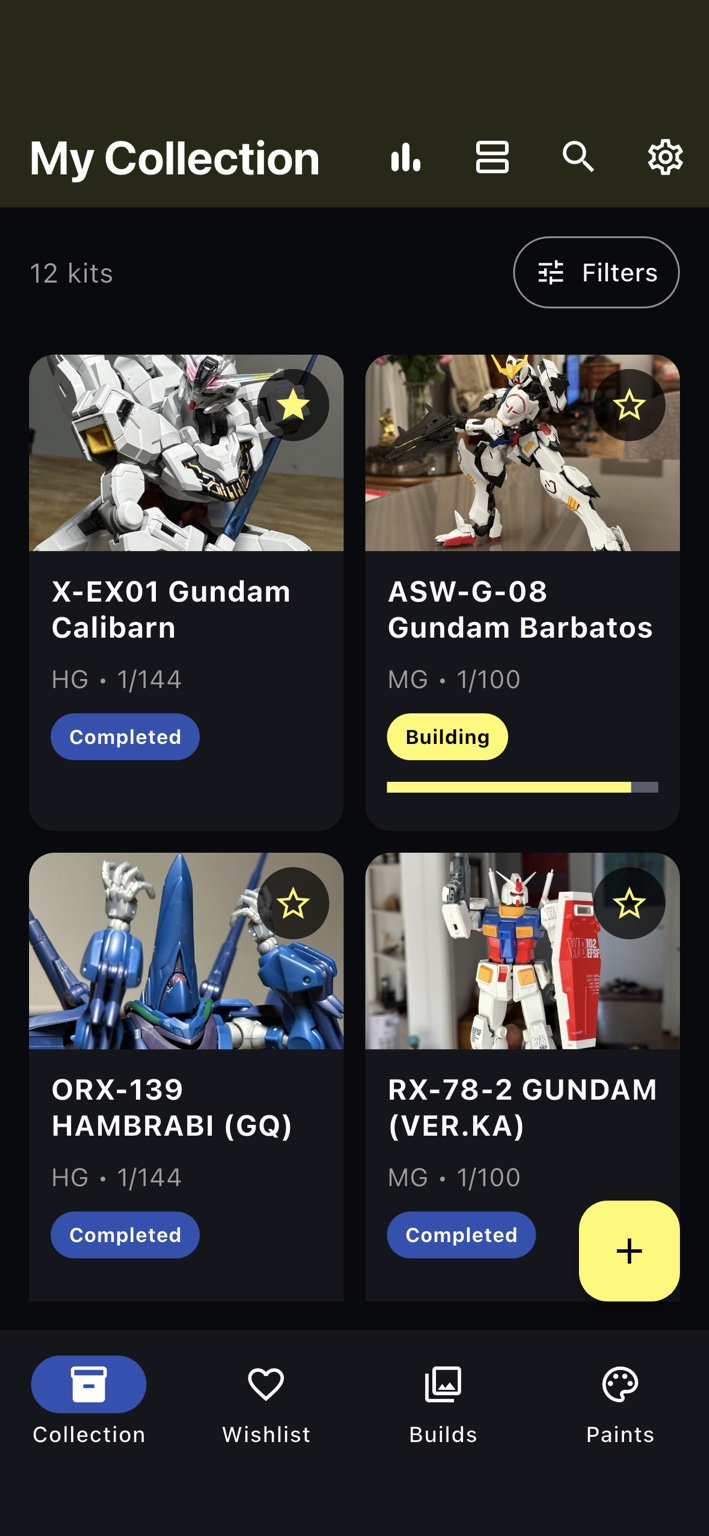
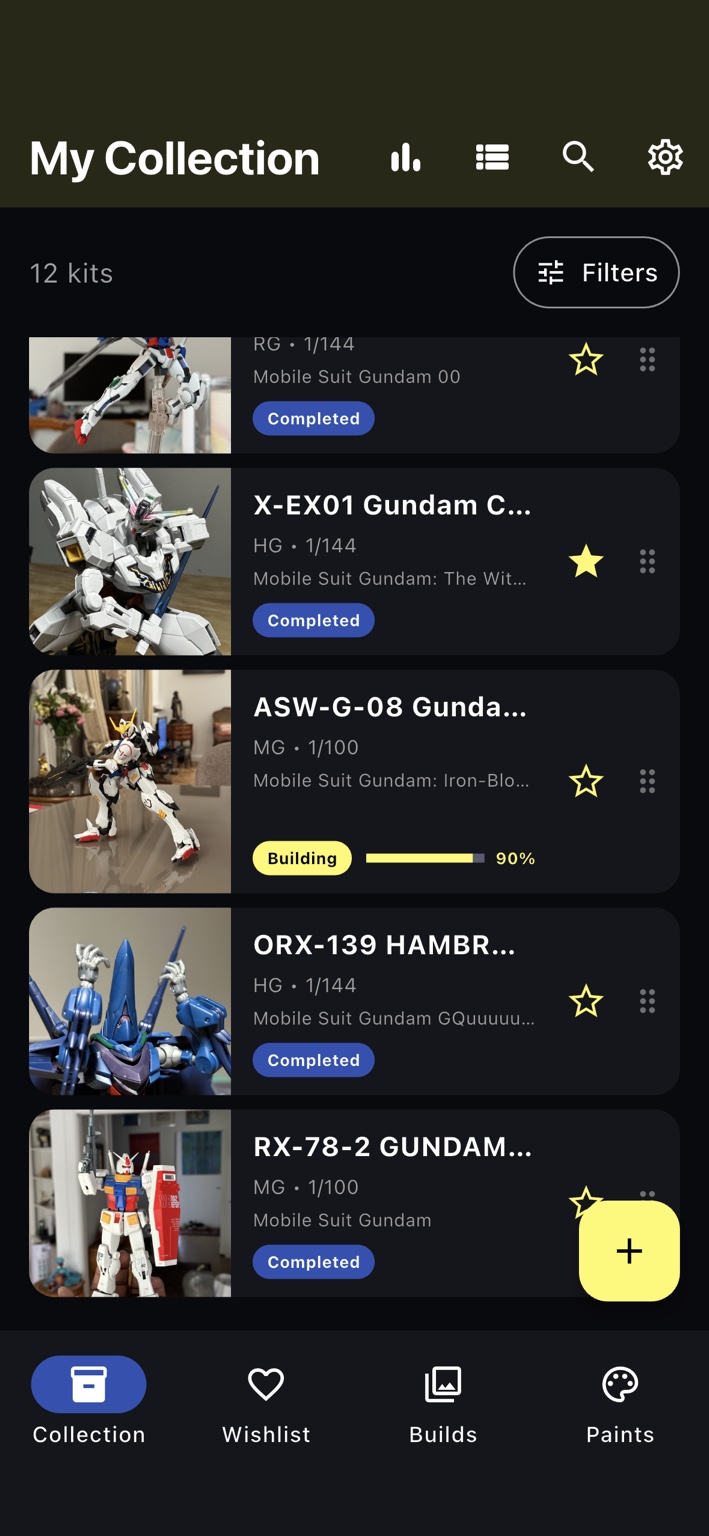
Your Collection is the main library for every kit you own. Switch between different layouts depending on whether you want a more visual gallery or a denser information view.
02 / BUILD GALLERY
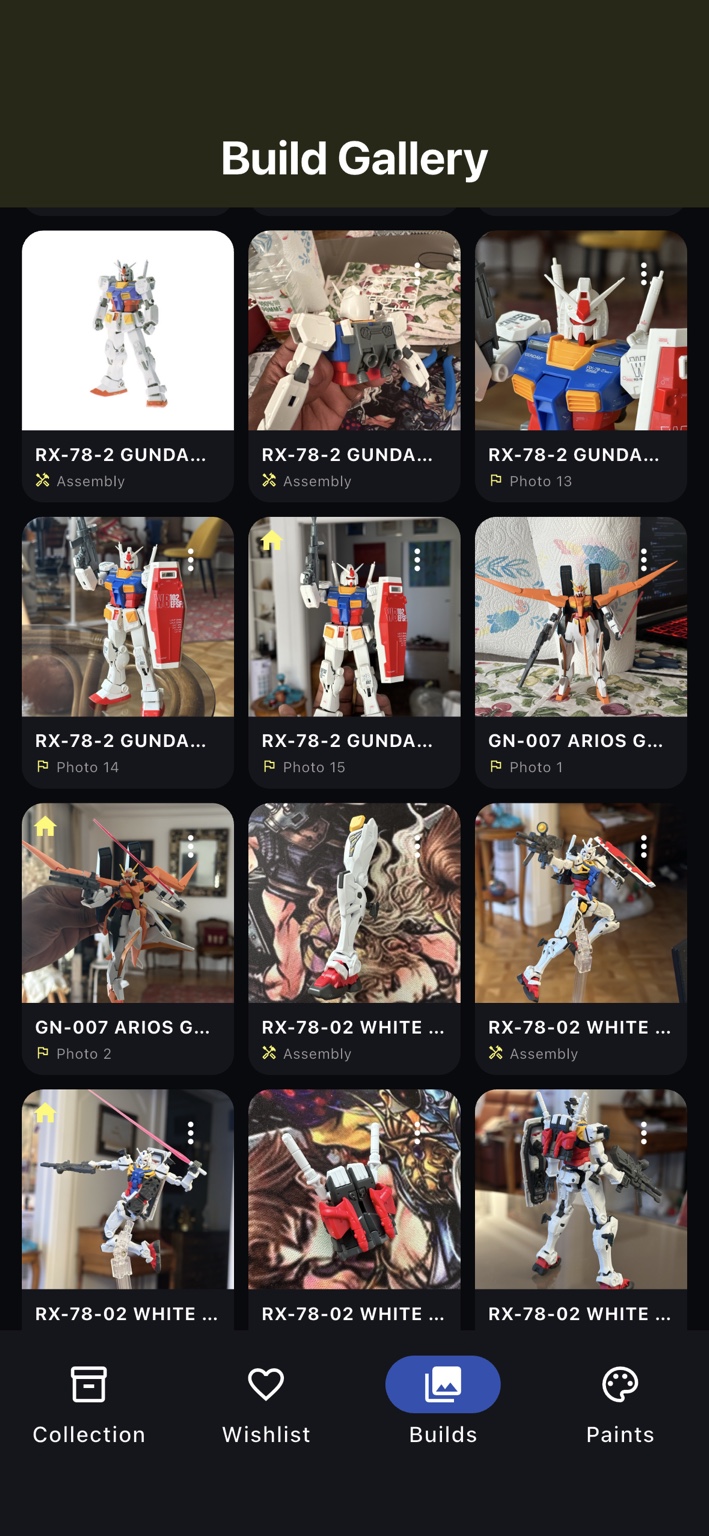
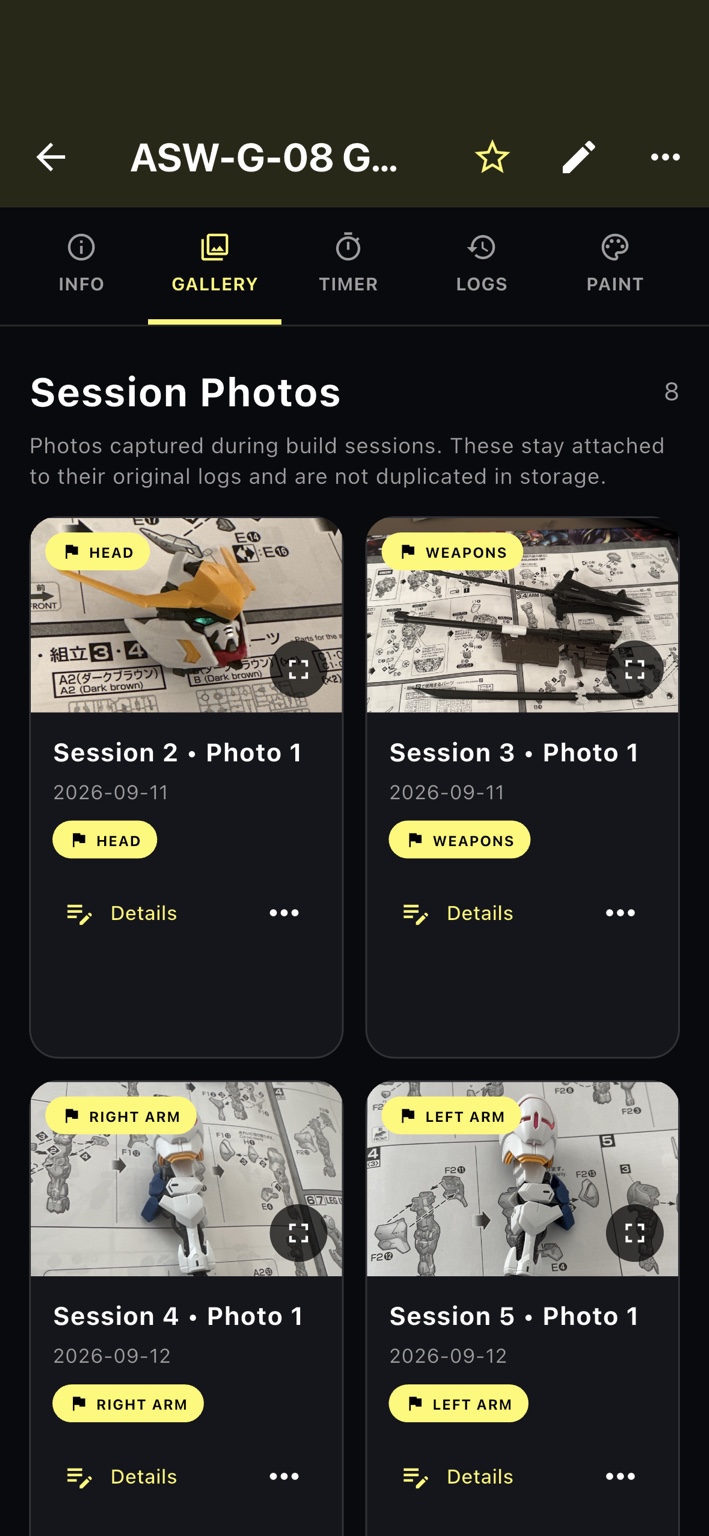
The Build Gallery keeps progress photography together so you can look back at a project from the first pieces to the finished model.
03 / STATS & ACTIVITY
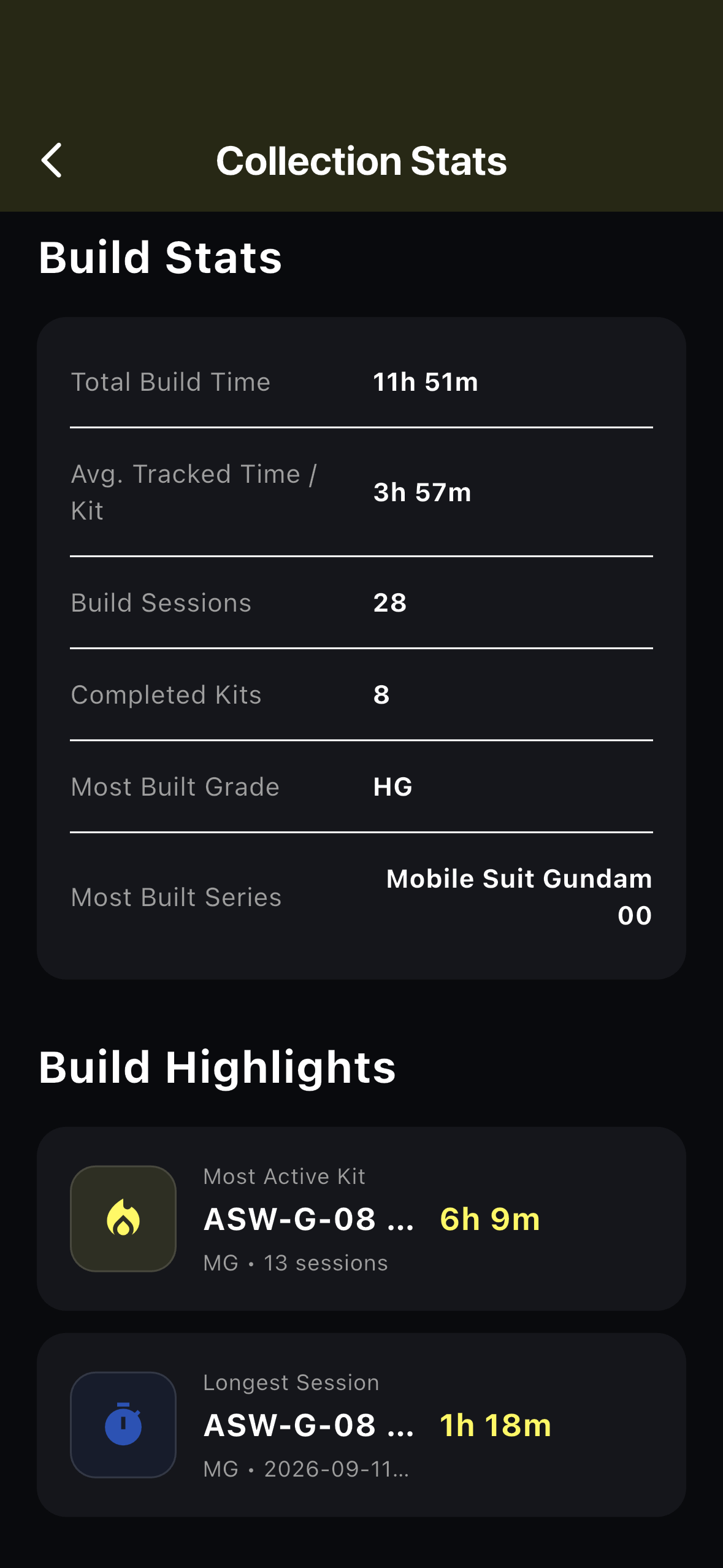
Collection Stats summarizes information already stored in your SprueVault library, including build time, sessions, kit values, completion data, and recent activity.
BUILD HISTORY
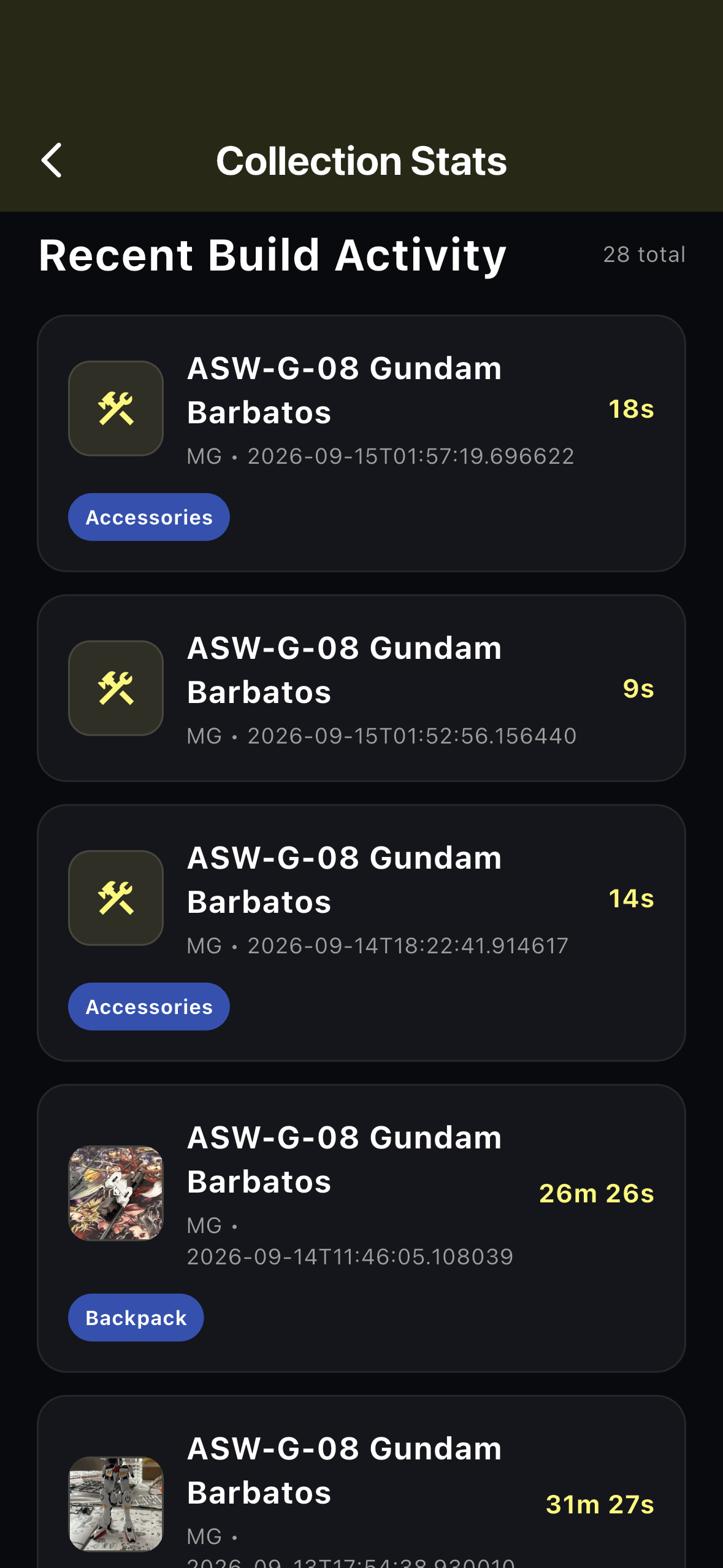
Build sessions contribute to your tracked build history. SprueVault can show recent activity, session duration, build stages, and the kit associated with each entry.
COLLECTION VALUE
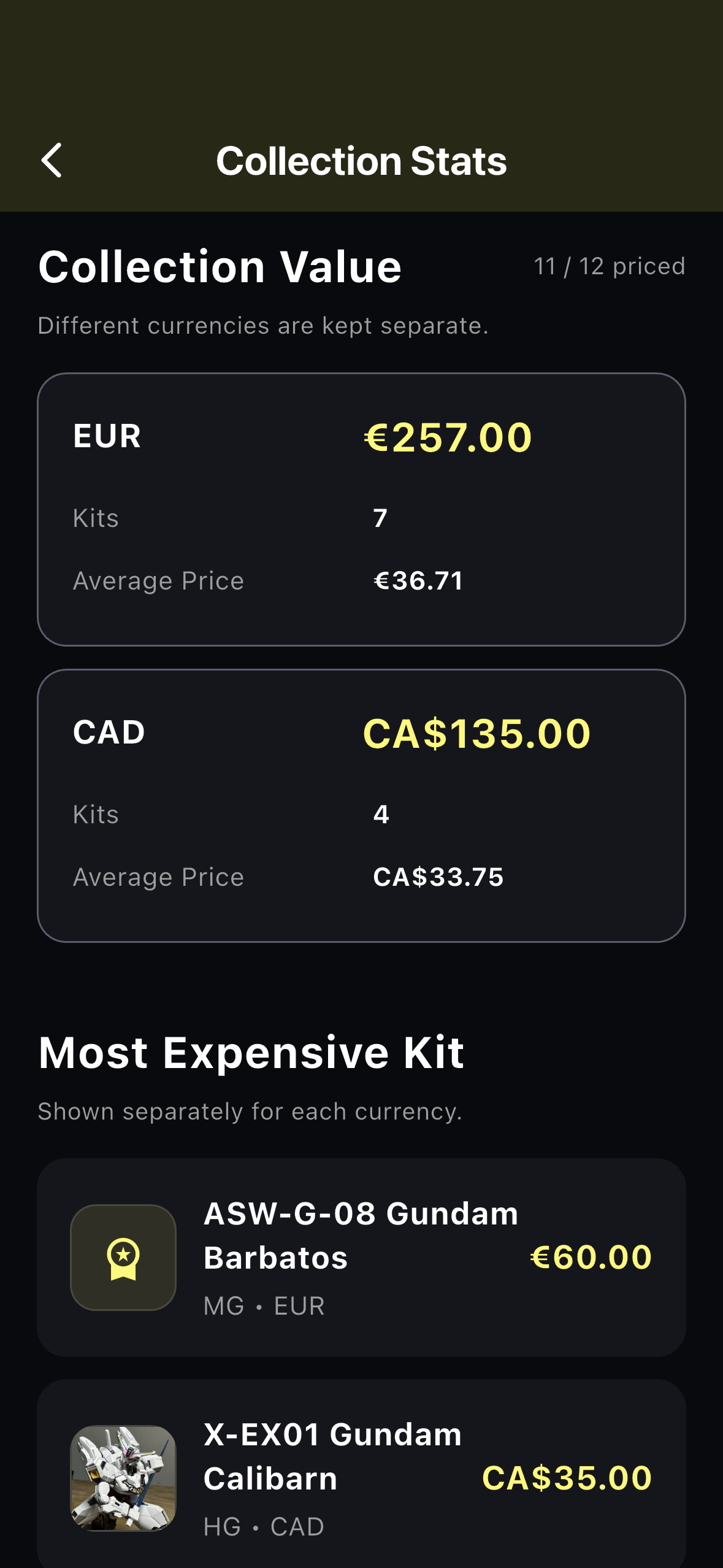
Add purchase prices to your kits and SprueVault can summarize your collection value while keeping each currency separate.
MORE HELP
Add kits you want, assign priorities, record desired prices and stores, arrange them manually, and move a purchased kit directly into your Collection.
Record the paints you own, quantities, stock status, wishlist paints, and the builds associated with particular colors.
Use a kit's Timer and Logs sections to record build sessions, duration, notes, stages, and session photos.
06 / BACKUP & RESTORE
SprueVault stores your hobby information locally. Use the built-in Backup feature when you want to create a copy of your data for safekeeping or transfer.
Keep backup files somewhere you control, such as your Files app or your preferred personal storage location.
STILL NEED HELP?
If you cannot find the answer here, send a description of the problem and any useful screenshots to SprueVault support.
Email Support